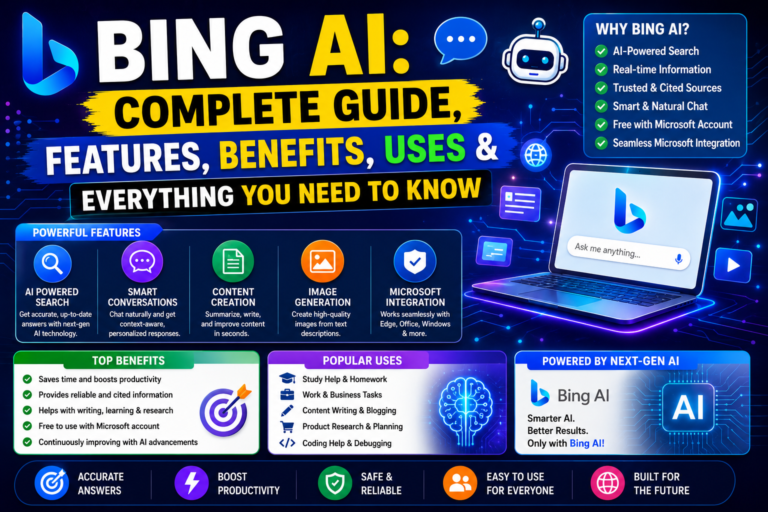
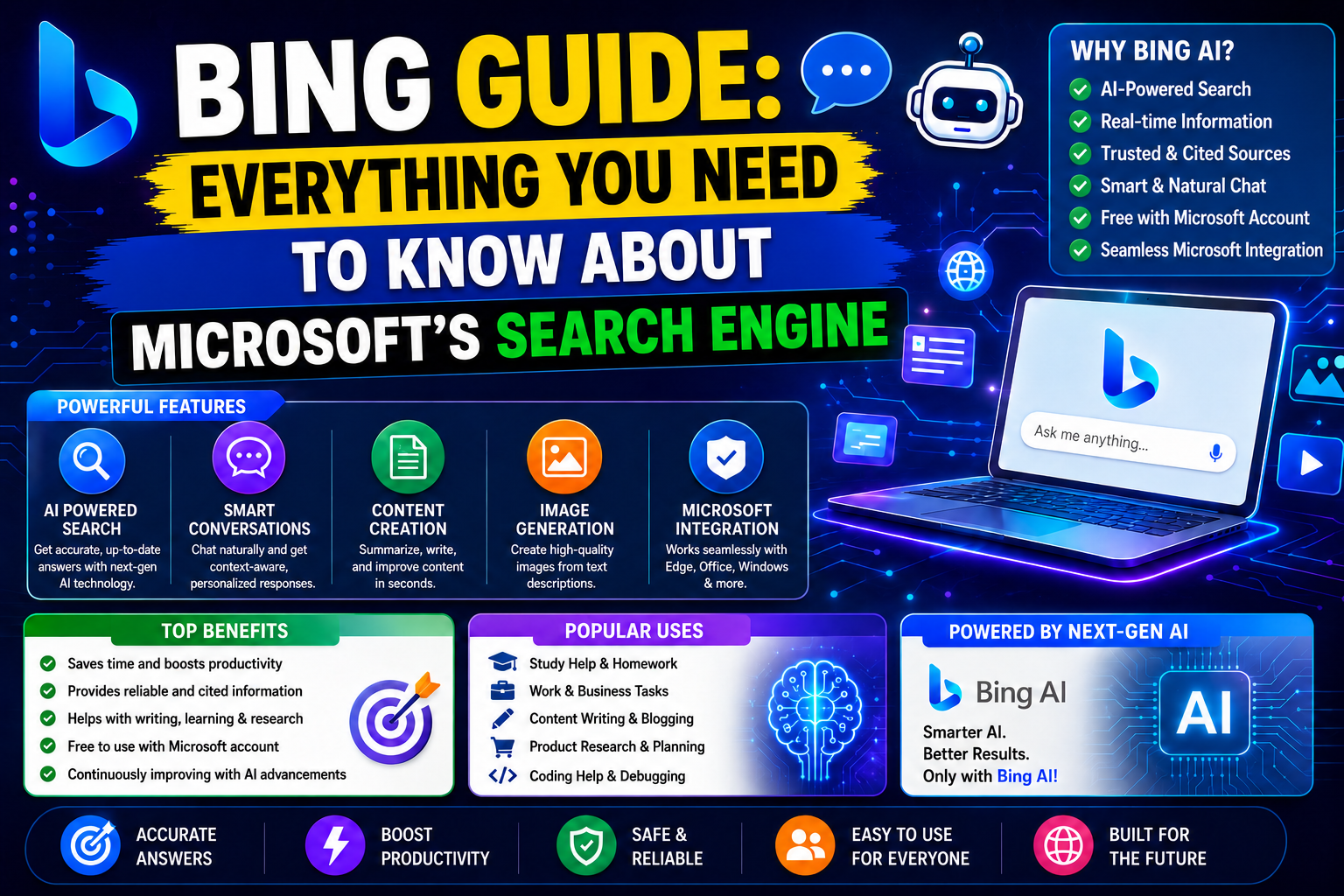
Bing Guide : When people think about search engines, Google is usually the first name that comes to mind. However, Google is not the only search engine that offers fast, reliable, and intelligent search results. Microsoft’s Bing has grown into one of the world’s most advanced search platforms, especially after the integration of artificial intelligence and AI-powered search experiences.
Today, Bing is much more than a website where you type keywords and receive links. It combines traditional web search with AI assistance, image generation, visual search, shopping tools, maps, news, rewards, and productivity features. Whether you are looking for information, creating AI images, comparing products, finding directions, or researching a topic, Bing offers a complete ecosystem designed to make searching faster and smarter.
In recent years, Microsoft has invested heavily in artificial intelligence. The introduction of Bing AI and Copilot transformed the search experience by allowing users to ask complex questions, receive conversational answers, summarize long articles, generate creative content, and perform tasks that once required multiple websites. This shift has made Bing one of the most talked-about search engines in the AI era.
Despite Google’s dominant market position, Bing continues to serve hundreds of millions of users worldwide. It powers search across Microsoft products, including Windows, Microsoft Edge, Microsoft Start, and many enterprise solutions. Because of this integration, Bing has become an essential part of Microsoft’s digital ecosystem.
If you’re new to Bing or want to understand how it works, this guide will explain everything in simple language. From its history and features to AI capabilities, SEO, privacy, advantages, and comparisons with Google, this comprehensive guide covers every important aspect of Bing.
What is Bing?
Bing is Microsoft’s web search engine that helps users discover information on the internet. It allows people to search for websites, images, videos, news, maps, products, local businesses, and much more from a single platform.
Unlike a simple search engine that only lists web pages, Bing combines search technology with artificial intelligence to deliver richer and more useful results. Depending on your query, Bing can provide direct answers, AI-generated summaries, interactive cards, weather updates, currency conversions, sports scores, travel information, shopping recommendations, and other useful content without requiring you to visit multiple websites.
Bing is available worldwide and supports numerous languages, making it accessible to users across different countries. It is also the default search engine in Microsoft Edge and is deeply integrated into Windows, helping millions of users search directly from their desktops.
One of Bing’s biggest strengths is its growing AI ecosystem. Through Microsoft Copilot, users can interact with search results conversationally, making research, writing, coding, brainstorming, and problem-solving significantly easier.
Quick Facts About Bing
| Feature | Details |
|---|---|
| Search Engine | Bing |
| Developed By | Microsoft |
| Initial Launch | 2009 |
| Headquarters | Redmond, Washington, USA |
| Parent Company | Microsoft |
| Available Worldwide | Yes |
| Supports Multiple Languages | Yes |
| AI Integration | Microsoft Copilot |
| Image Generation | Bing Image Creator |
| Maps Service | Bing Maps |
| Mobile Availability | Android & iOS |
| Browser Integration | Microsoft Edge |
| Default Search Engine | Windows & Microsoft Edge |
Why is Bing Important Today?
The internet has changed dramatically over the past decade. Users no longer want to open dozens of websites just to find one answer. Instead, they expect search engines to understand context, summarize information, and provide quick, reliable responses.
This is where Bing has evolved significantly.
Microsoft has transformed Bing from a traditional search engine into an AI-powered knowledge platform. Instead of simply displaying blue links, Bing can explain concepts, compare products, summarize lengthy documents, answer follow-up questions, assist with writing, and even generate images from text prompts.
For students, Bing can simplify research by providing concise explanations and helping organize information. Professionals can use it to draft emails, summarize reports, brainstorm ideas, or compare business solutions. Content creators benefit from AI-assisted writing, keyword research, and creative inspiration. Developers can receive coding assistance, troubleshoot problems, and explore documentation more efficiently.
This combination of search and AI makes Bing relevant in today’s fast-paced digital environment.
Key Features at a Glance
Bing offers a wide range of tools that extend beyond standard web search. Some of the most notable capabilities include:
- Traditional web search with intelligent ranking.
- AI-powered conversational search using Microsoft Copilot.
- Image search with advanced filters.
- AI image generation through Bing Image Creator.
- Video search with previews and filtering options.
- Interactive maps and navigation.
- Shopping comparison features.
- News aggregation from trusted publishers.
- Translation services for multiple languages.
- Voice search on supported devices.
- Visual Search for identifying objects from images.
- Microsoft Rewards integration for eligible users.
- SafeSearch controls for family-friendly browsing.
Each of these features will be explored in detail in the upcoming parts of this guide.
Who Should Use Bing?
Bing is suitable for a wide variety of users because it combines search, AI, and productivity tools in one place.
Students
Students can use Bing to research academic topics, summarize articles, understand complex concepts, and gather learning resources more efficiently.
Professionals
Business users benefit from AI-assisted writing, market research, productivity features, document summaries, and quick access to relevant information.
Content Creators
Bloggers, YouTubers, marketers, and social media creators can use Bing for keyword research, idea generation, AI-assisted writing, and image creation.
Developers
Developers can search technical documentation, troubleshoot programming issues, compare frameworks, and receive coding assistance through AI-powered tools.
Everyday Internet Users
Whether you’re planning a trip, checking the weather, shopping online, following the latest news, or searching for recipes, Bing provides a streamlined experience that saves time.
Why You Should Learn About Bing
Many people overlook Bing simply because Google dominates the search market. However, understanding Bing can be valuable for several reasons.
First, Bing powers search across many Microsoft products used by millions of people every day. Second, it offers AI features that continue to evolve rapidly. Third, website owners and bloggers can gain additional traffic by optimizing for Bing alongside Google. Finally, Bing’s unique tools—such as AI image creation and integrated productivity features—make it more than just another search engine.
As artificial intelligence becomes a larger part of online search, Bing is positioned as one of the leading platforms driving this transformation.
Key Takeaways
- Bing is Microsoft’s modern search engine that combines traditional web search with AI-powered experiences.
- It supports web, image, video, news, shopping, maps, and visual search in one platform.
- Microsoft Copilot adds conversational AI capabilities, making research and everyday tasks more efficient.
- Bing integrates deeply with Windows, Microsoft Edge, and other Microsoft services.
- Learning how Bing works can benefit students, professionals, content creators, developers, and website owners.
The Complete History of Bing
To understand Bing’s current position in the search engine industry, it is important to explore its history. Many people believe Bing appeared suddenly in 2009, but Microsoft’s search journey actually began years earlier.
Before Bing existed, Microsoft experimented with multiple search technologies and brands. The company understood that search would become one of the most important parts of the internet, and it wanted to compete with emerging giants like Google and Yahoo.
The path from Microsoft’s early search projects to the modern AI-powered Bing was long, involving numerous upgrades, acquisitions, partnerships, and technological breakthroughs.
Microsoft’s Early Search Efforts
During the late 1990s and early 2000s, Microsoft relied heavily on third-party search providers to deliver search results through its online services.
At that time, Microsoft’s web portals often used search technologies from other companies rather than operating a fully independent search engine.
As internet usage increased rapidly, Microsoft realized that controlling its own search technology would become essential for long-term growth.
This realization led to the development of Microsoft’s first in-house search initiatives.
MSN Search: The Beginning
Microsoft’s first major search engine project was MSN Search. Launched in the late 1990s, MSN Search was integrated into Microsoft’s MSN web portal and provided users with basic web search capabilities. Initially, MSN Search depended on external providers to generate search results. Over time, Microsoft invested in its own search infrastructure, crawlers, indexing systems, and ranking algorithms. Although MSN Search helped Microsoft establish a presence in the search market, it struggled to compete with rapidly growing rivals such as Google. Users often preferred Google’s cleaner interface and more accurate search results. As a result, Microsoft began planning a major overhaul of its search technology.
Windows Live Search Era
In 2006, Microsoft rebranded MSN Search as Windows Live Search. The goal was to align search with Microsoft’s broader Windows Live ecosystem. Windows Live Search introduced several improvements, including:
- Better search algorithms.
- Enhanced image search.
- Local search capabilities.
- Improved indexing technology.
- Stronger integration with Microsoft services.
Despite these improvements, Windows Live Search still faced challenges in gaining significant market share. Google continued to dominate the search landscape, while Yahoo remained another strong competitor. Microsoft realized that incremental improvements would not be enough. A completely new strategy was needed.
Live Search: Another Transition
Shortly after Windows Live Search, Microsoft simplified the branding and renamed the service Live Search. The company continued refining its search technology and user experience. During this period, Microsoft invested heavily in:
- Search infrastructure.
- Machine learning research.
- Data processing systems.
- Relevance algorithms.
- User behavior analysis.
These investments laid the groundwork for the next generation of Microsoft’s search platform. However, Microsoft still needed a stronger brand identity that could stand independently from Windows and other products. That realization led to the creation of Bing.
The Launch of Bing
Microsoft officially launched Bing on June 3, 2009. The company described Bing as a “Decision Engine” rather than a traditional search engine. The idea behind this positioning was simple: Instead of merely showing links, Bing would help users make informed decisions by organizing information more effectively. This concept differentiated Bing from competitors that primarily focused on displaying ranked search results. At launch, Bing introduced several innovative features that attracted attention from users and technology experts.
Why Microsoft Created Bing
Microsoft had several strategic reasons for launching Bing.
1. Competing with Google
Google had become the dominant force in search. Microsoft needed a stronger competitor that could challenge Google’s growing influence and maintain relevance in the online ecosystem.
2. Improving Search Quality
Microsoft wanted to provide more useful and organized search experiences. The company focused on helping users find answers faster instead of simply presenting large lists of links.
3. Building an Advertising Platform
Search advertising represented a massive business opportunity. A successful search engine would allow Microsoft to expand its digital advertising ecosystem and generate new revenue streams.
4. Strengthening Microsoft’s Ecosystem
By owning a powerful search engine, Microsoft could integrate search across Windows, Office, Edge, Xbox, and future products. This ecosystem strategy remains important today.
Early Features That Made Bing Stand Out
When Bing launched, it introduced several unique features that helped distinguish it from competitors.
Daily Background Images
One of Bing’s most recognizable features was its visually appealing homepage. Unlike Google’s minimalist design, Bing displayed high-quality daily photographs featuring landscapes, wildlife, architecture, and cultural landmarks. These images quickly became a signature element of the Bing brand.
Visual Search
Bing introduced advanced visual search capabilities that allowed users to browse information using images rather than text alone. This feature improved product discovery and image-based exploration.
Search Categories
Bing organized information into specialized categories such as:
- Travel
- Shopping
- Health
- Local Businesses
- News
- Entertainment
This organization helped users locate relevant information more efficiently.
Preview Features
Bing often provided previews of webpages and search results. Users could gain insights before clicking a link, saving time and improving search efficiency.
The Yahoo-Microsoft Partnership
One of the most important moments in Bing’s history occurred in 2009 when Microsoft and Yahoo announced a major search partnership.
Under this agreement:
- Bing became the technology powering Yahoo Search.
- Yahoo focused on advertising and user experience.
- Microsoft handled search infrastructure and algorithms.
This partnership significantly increased Bing’s reach and market presence. By combining resources, Microsoft and Yahoo were better positioned to compete with Google.
Bing’s Continuous Evolution
Microsoft never stopped improving Bing after its launch. Throughout the 2010s, the company introduced numerous enhancements, including:
- Better ranking algorithms.
- Faster indexing systems.
- Mobile search optimization.
- Voice search capabilities.
- Artificial intelligence integration.
- Machine learning improvements.
- Enhanced image and video search.
Each update improved search quality and user satisfaction.
Who Owns Bing?
Bing is owned and operated by Microsoft Corporation. Microsoft is one of the world’s largest technology companies and develops a wide range of products and services, including:
- Windows
- Microsoft 365
- Azure
- Xbox
- Microsoft Edge
- GitHub
- Bing
Because Bing is part of Microsoft’s ecosystem, it benefits from access to vast computing resources, AI research, cloud infrastructure, and engineering expertise. This support enables Bing to continue innovating in areas such as artificial intelligence and search technology.
How Bing Works
Many users see only the search box, but behind the scenes Bing relies on sophisticated technologies. The search process generally involves four major stages.
1. Crawling
Bing uses automated software programs known as crawlers or bots. These bots continuously explore the internet and discover new webpages. Whenever a website publishes new content, Bing’s crawlers may visit and collect information about it.
2. Indexing
After discovering webpages, Bing analyzes and stores information in its massive search index. The index functions like a giant digital library containing billions of webpages. When users perform searches, Bing retrieves information from this index rather than scanning the entire internet in real time.
3. Ranking
Bing evaluates countless signals to determine which pages are most relevant. Factors may include:
- Content quality.
- Relevance.
- User experience.
- Website authority.
- Freshness of content.
- Mobile friendliness.
- Technical performance.
The ranking system aims to provide the most useful results for each search query.
4. Displaying Results
Finally, Bing presents search results in an organized format. Depending on the query, users may see:
- Traditional web results.
- Featured answers.
- AI summaries.
- Images.
- Videos.
- Maps.
- Shopping information.
- News articles.
- Knowledge panels.
This approach helps users find information more efficiently.
How Artificial Intelligence Changed Bing
The biggest transformation in Bing’s history occurred with the rise of artificial intelligence. Microsoft invested heavily in AI research and integrated advanced AI capabilities into Bing. Instead of acting solely as a search engine, Bing evolved into an intelligent assistant capable of:
- Understanding natural language.
- Summarizing information.
- Answering complex questions.
- Assisting with writing.
- Supporting research tasks.
- Generating creative content.
- Providing conversational experiences.
This shift marked the beginning of a new era for Bing and positioned it as a leading AI-powered search platform.
Key Takeaways
- Bing officially launched in 2009 as Microsoft’s next-generation search engine.
- Before Bing, Microsoft operated MSN Search, Windows Live Search, and Live Search.
- Bing was created to improve search quality and compete more effectively with Google.
- Microsoft owns and manages Bing as part of its broader technology ecosystem.
- Bing works through crawling, indexing, ranking, and displaying search results.
- AI integration transformed Bing from a traditional search engine into a powerful conversational search platform.
- Continuous innovation has helped Bing remain one of the world’s most important search engines.
Best Free AI Tools for Students in 2026
ChatGPT vs Gemini vs Claude: Complete Comparison
AI Tools for Small Business Owners
AI Tools for YouTube Creators
How to Use AI for Blogging: A Beginner’s Guide
AI Tools for Small Business Owners
AI Tools for YouTube Creators: Complete Guide
How to Write Better Prompts for AI: Complete Guide for Beginners in 2026
How AI Can Save Time in Daily Work: A Complete Guide
Common AI Mistakes and How to Avoid Them
Best AI Chrome Extensions in 2026
Best Free AI Resume Builder Tools
ChatGPT vs Gemini vs Claude: Complete AI Comparison
ChatGPT vs Copilot
AI Tool Comparison: Gemini vs Claude
ChatGPT Alternatives: 10 Best AI Chatbots and Assistants
AI Tools Comparison: Free AI Tools vs Paid AI Tools
Best AI Tool for Students: Complete Guide for Learning
AI Tools for College Students: Best Free and Paid Options
Perplexity AI Review
What Is Bing AI?
About The Author